
How to Change Your Name on Etsy?
Etsy is a great marketplace to buy and sell, but the different name settings can be very confusing.
You might be looking for how to change your name on Etsy to update your personal profile or the name people see on your reviews.
Whether you are a buyer or a seller, your “Preferred Name” is what mostly shows up when you interact with others.
In this guide, I will show you how to update your Etsy account name so it truly represents who you are today.
As a buyer, I found that changing my profile name was the best way to keep my privacy while still being friendly.
It’s a relief to know you can use a nickname or just your first name instead of your full legal identity.
Stick with me as I walk you through the simple steps to change your Etsy name in just a few clicks.
Can I Change My Name that Etsy Users See?
Yes, you can absolutely change the name that other Etsy users see.
In 2026, Etsy continues to use a system where your Public Profile Name is what appears on reviews, messages, and your profile page.
This is completely separate from your login username, and you can update it as often as you like with no restrictions.
Can You Change Your Etsy Username?
The short and somewhat frustrating answer is no, you cannot change your Etsy username.
I know that’s probably not what you wanted to hear, but Etsy treats your username as a permanent “ID tag” for your account.
It’s baked into your profile’s web address (like etsy.com/people/yourusername), and once it’s set, it’s locked in for good.
Also Read: How to Make Money on Etsy without Making Anything
Is My Etsy Name Different from My Etsy Shop Name?
Your Etsy name and your Etsy shop name are completely different things, and they serve different purposes.
Your Etsy name, which is also called your public profile name, represents you as a person and is what people see when you leave reviews, send messages, or participate in community forums.
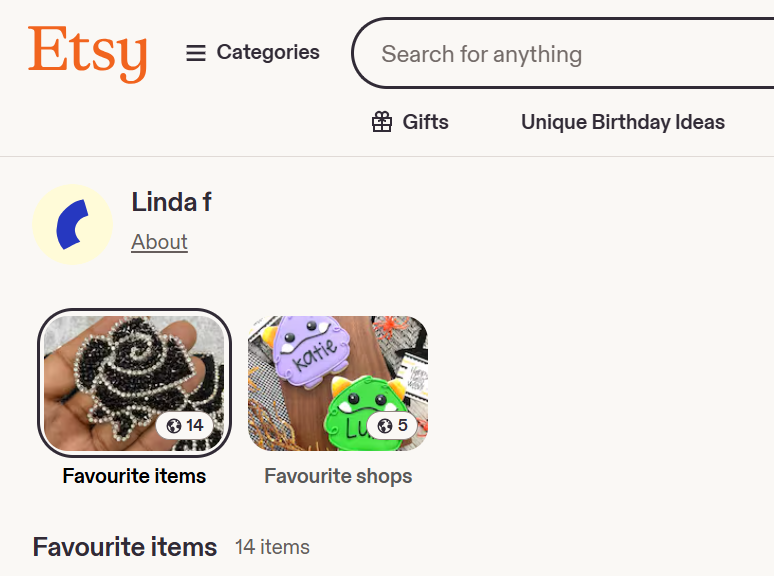
You can even use a nickname or even your business name as your name if you want to keep your shopping habits more private.
On the other hand, your Etsy shop name is your brand’s official identity and acts as your business storefront.
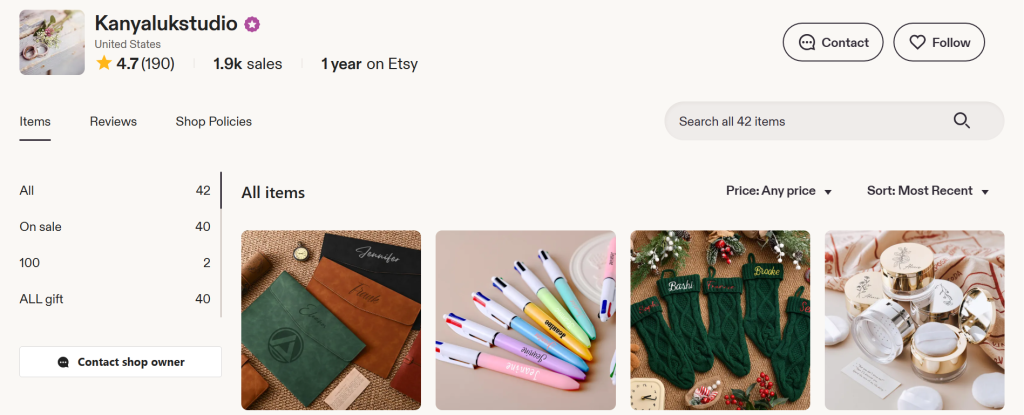
This is the name that appears in your Etsy shop’s web address and at the top of your listings.
Unlike your personal profile name, an Etsy shop name must be unique across the entire platform, and you are only allowed to change it five times.
If you are a seller, it is also important to remember that both of these names are separate from the legal name you provide to Etsy for tax and banking purposes, which remains private and is never shown to the public.
Does Your Etsy Name Have to Be Your Real Name?
The simple answer is no, your public Etsy name does not have to be your real name.
Etsy allows you to use a nickname, a business name, or even just your initials for your “Public Profile Name.”
In fact, if you leave the name field blank, Etsy will typically just show your Username (that string of letters and numbers) to represent you.
How Many Times Can I Change My Name on Etsy?
If you are looking to change your name on Etsy (the “Public Profile Name” that buyers and other users see), I have some great news: there is no limit.
You can change your Public Profile Name as many times as you want.
Whether you’re fixing a typo, updating your name after a life event, or just deciding you’d rather go by a nickname for privacy, Etsy allows you to hit that “Edit” button whenever the mood strikes.
How to Change Your Name on Etsy?
- Visit Etsy.com and sign in to your account
- Go to Your Account
- Then, go to View Profile
- Next, click Edit Public Profile
- Then, click Change or Remove next to your name
- Lastly, click Save Changes



Leave a Reply